
Create a Battle Bot Controls
HUD layout, Settings redeem path, Craft Station, Push Machine, and arena menus on PC and mobile.
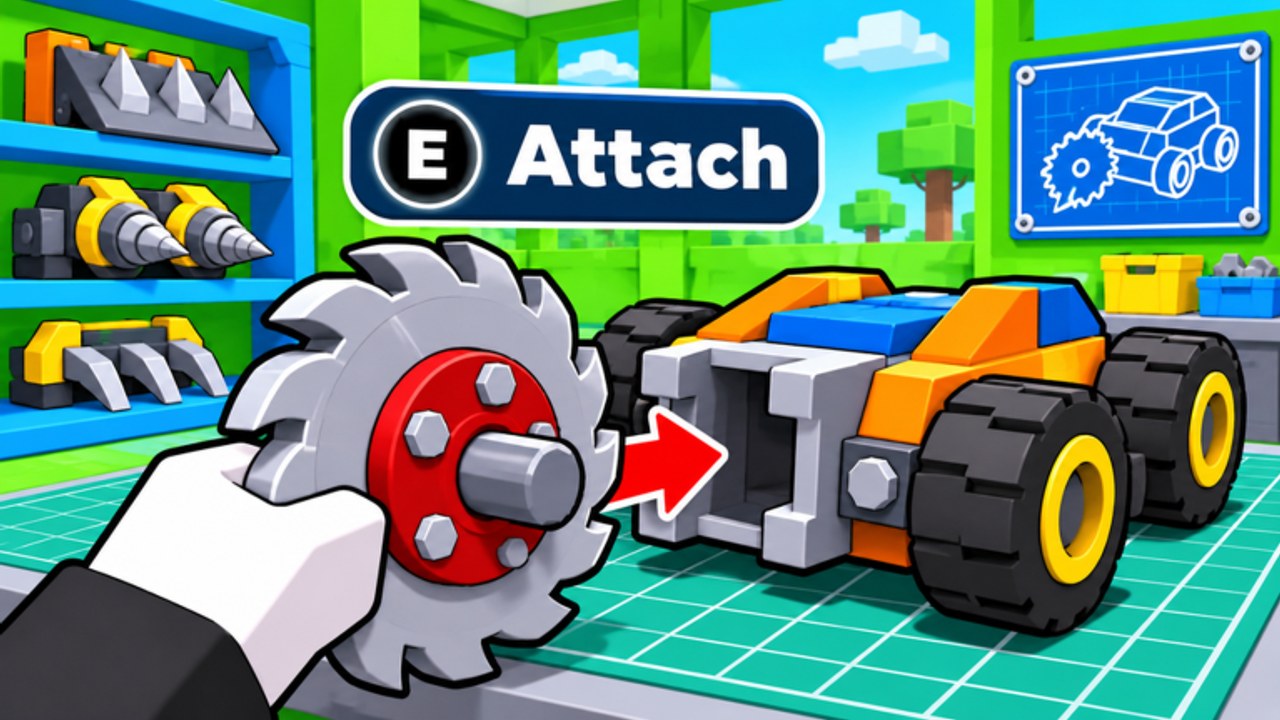
Create a Battle Bot runs on Roblox PC, mobile, and tablet with an eight-player server cap. The loop is build, train, fight, and collect, so the HUD must stay readable while you jump between Show Lot, Craft Station, Push Machine, Crash Arena, crates, Lucky Wheel, and Settings. This controls guide maps the menus players actually use on day one and after rebirth, so you stop hunting for the code box mid-fight.
This page covers Create a Battle Bot by Liberation Ventures (place 117539492781318). Controls guides for Build A Battle Bot, Crash Bots, or Build a Bot and Fight do not apply here. Redeem UI, training stations, and arena entry live in different places on those titles.
Spawn HUD and Show Lot orientation
You spawn in your personal Show Lot. Treat it as home base: unfinished frames, finished fighters, naming, and the stations you reopen every session sit here. Before you chase Crash Arena cash, learn where the top-right Settings control sits and how to reopen Craft Station from the lot.
Onboarding prompts lock some menus until the tutorial finishes. If Settings → ENTER → ENTER CODE does nothing, finish every tutorial beat first. Code redeem stays blocked or fails until onboarding completes — that is the number-one “controls are broken” report from new accounts.
Settings and code redeem path
Promo codes use a fixed path that does not change with weapon type:
- Open Settings from the top-right of the HUD.
- Choose ENTER in the codes area.
- Open ENTER CODE.
- Type the string exactly (case-sensitive).
- Press REDEEM and wait for the toast or inventory update.
Tracked November 2026 codes remain FIRSTADMINABUSE, 1KCCU (Crimson Strider), and GIFT (2x Luck for 15 minutes). Full reward notes live on the Codes Hub. Leave Crash Arena combat or Push Machine AFK briefly if the UI refuses focus during lag spikes.
Like and favorite the Roblox experience from the place page for the cash gift when offered. That social reward is outside the in-game Settings path but pairs with the same early economy.
Craft Station controls
Open the Craft Station from your Show Lot when you are ready to assemble or swap parts. Every complete bot needs three layers:
- Drive Base — chassis and mobility feel.
- Battle Body — armor silhouette and mass.
- Assault Rig — weapons such as spinning blades, scorpion stingers, and roof flippers.
Slot parts in order, confirm the craft, then name the bot so menus stay readable when you own several frames. Naming is a Show Lot control as much as a cosmetics choice — short names are easier to spot in an eight-player lobby. Deep part roles and synergies belong on How to Build and the Tier List Hub.
Push Machine and AFK training UI
Send the bot to the Push Machine to raise level. Training continues while you open crates, tweak another frame, or handle Settings elsewhere in the experience when the station is set up correctly. That AFK-elsewhere behavior is a core control expectation, not a bug.
Park training before long menu sessions. If you leave the Push Machine empty while you spin the Lucky Wheel for ten minutes, you waste free levels. Pair this page with How to Train once the station location is clear.
Crash Arena and Underground Tournament entry
Enter Crash Arena from the fight / arena UI once Drive Base, Battle Body, and Assault Rig are complete and the bot has some Push Machine levels. Boss clears pay cash. Learn how your Assault Rig connects — spinner clears, stinger pokes, flipper throws — instead of mashing one input into every boss.
The Underground Tournament is a separate compete lane for prizes. Use it when you want a check against varied opponents rather than as your only income. Prep steps and prize focus live on the dedicated Underground Tournament guide and the Players Hub.
Crates, Lucky Wheel, and collection menus
Crates and the Lucky Wheel feed rare parts into the same Craft Station. Open them from the collect / shop style UI near your lot workflow. Timed luck from GIFT should line up with opens — redeem, then open immediately. Full crate and wheel strategy is on Crates and Lucky Wheel.
Do not open crates during an active tournament match if the UI fights for focus. Finish the round, then collect.
PC versus mobile habits
PC players usually keep Settings, Craft Station, and arena entry reachable with mouse clicks and clear HUD corners. Use that clarity to redeem codes the moment the tutorial ends, then park Push Machine training before tabbing out mentally into Show Lot renaming.
Mobile and tablet players should expect the same menu names with tighter tap targets. Type long codes such as FIRSTADMINABUSE carefully — auto-correct and paste spaces break redeem more often on phones. Landscape orientation helps when swapping Assault Rig parts mid-session.
Roblox system gestures (leave game, report, Roblox menu) sit above Create a Battle Bot’s own HUD. If Settings seems missing, confirm you are not inside the Roblox escape menu instead of the game Settings control.
Session control checklist
- Finish tutorial so Settings redeem unlocks.
- Locate top-right Settings → ENTER → ENTER CODE → REDEEM (Codes).
- Open Craft Station; assemble Drive Base + Battle Body + Assault Rig; name the bot (How to Build).
- Park the bot on the Push Machine (How to Train).
- Enter Crash Arena for cash (Crash Arena).
- Open crates / Lucky Wheel during luck windows (Crates and Lucky Wheel).
- Queue Underground Tournament when the loadout is stable (Underground Tournament).
- Rebirth from the progression UI when fight money stalls — bots keep level and parts (Rebirth).
Master those control paths once and every later guide on this wiki assumes you can reach the right menu without a scavenger hunt.
Frequently Asked Questions
Quick answers to the most common questions.
Where is the code redeem menu in Create a Battle Bot?
Open Settings in the top-right, choose ENTER, then ENTER CODE, type the code exactly, and press REDEEM. Finish the tutorial first.
Why can’t I open Settings codes yet?
Code entry stays locked or fails until the tutorial finishes. Complete every onboarding step, then reopen Settings.
Where do I build my bot?
Use the Craft Station from your Show Lot. Slot Drive Base, Battle Body, and Assault Rig, then confirm and name the bot.
Does Push Machine training work while I use other menus?
Yes. When set up correctly, training continues while you handle crates, Settings, or other lot tasks elsewhere in the experience.
Are PC and mobile controls the same menus?
Menu names match across PC and mobile. Mobile players should watch for paste spaces and auto-correct when typing long codes.
Is this the same controls layout as Build A Battle Bot?
No. Create a Battle Bot by Liberation Ventures uses its own Settings path, Craft Station, and arena entry. Other bot games do not share this HUD.